Introduction
A few days ago, Alibaba Cloud Drive introduced restrictions on third-party access, making its user experience significantly worse. Even after purchasing SVIP, you now need to additionally subscribe to a third-party access add-on package to use third-party mounting. Without both the membership and this add-on package, the service is nearly unusable—download speeds are capped at around 500k/s. This sudden change has completely ruined its reputation and clearly contradicts its original promise of "forever unlimited speed."
My personal storage needs aren't large—perhaps around 100GB of movies stored on Alibaba Cloud, most of which I've already watched but haven't deleted. When I bought my NAS at the beginning of the month, several dalao (experts) in an NAS enthusiast group recommended using 115 Cloud Drive. So I purchased a 16TB legacy account from a secondhand marketplace, though I hadn’t put it into use until now.
Today, out of curiosity, I tested the download speed on 115—and was very surprised. Even without any membership, I was able to achieve full-speed downloads.
So I decided to try instantly transferring my movies from Alibaba Cloud Drive to 115, and then downloading them.
Requirements
There are many methods available online—for example, using Rclone to mount 115 directly to Synology via WebDAV. Many people seem to use CloudDrive, but I haven't tried it, so I won't comment further. Personally, I always prefer official or built-in tools over third-party ones whenever possible. However, none of these methods suited my needs. All I want is to occasionally download files from my cloud drive to my Synology NAS locally.
Tutorial
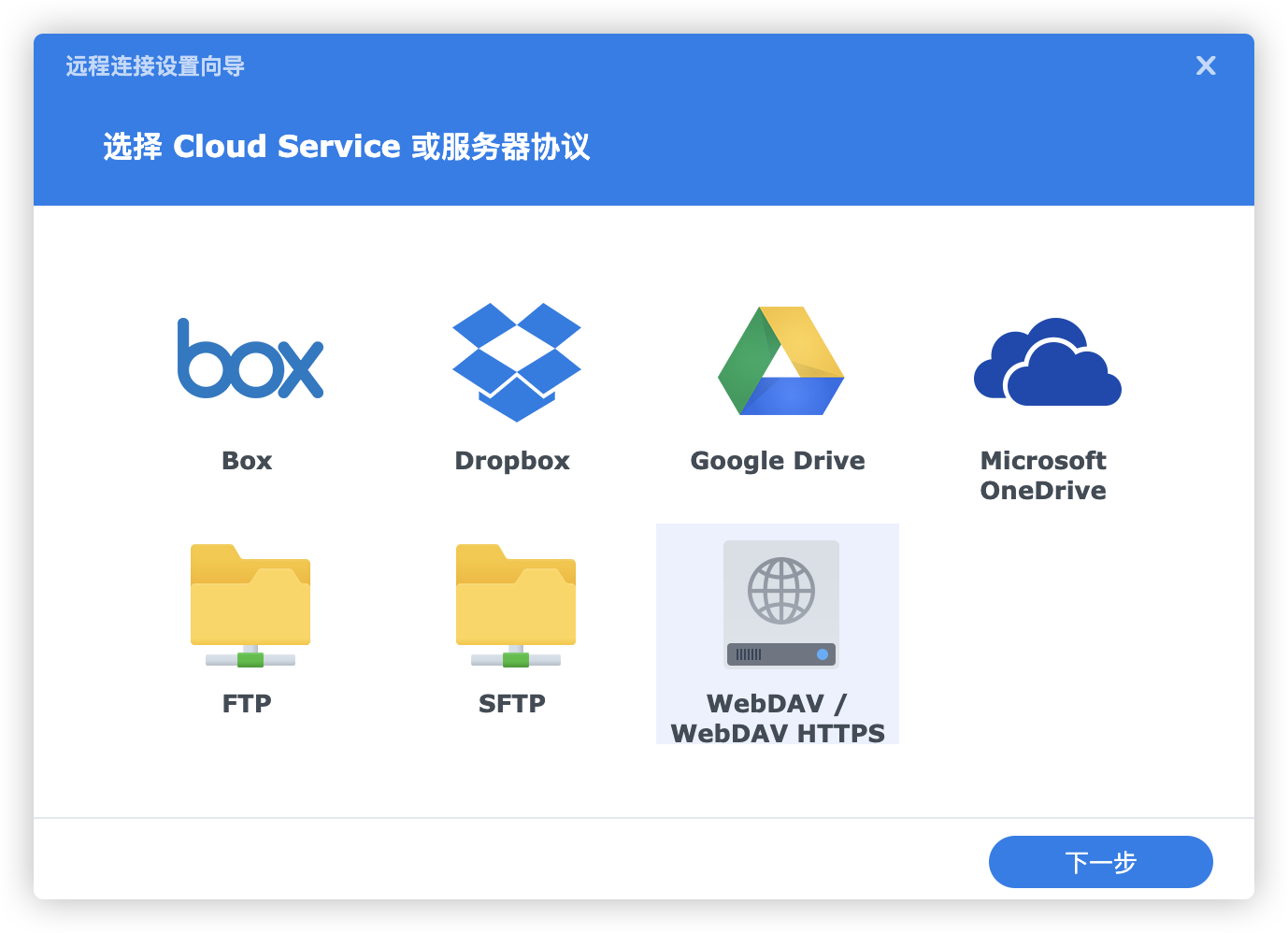
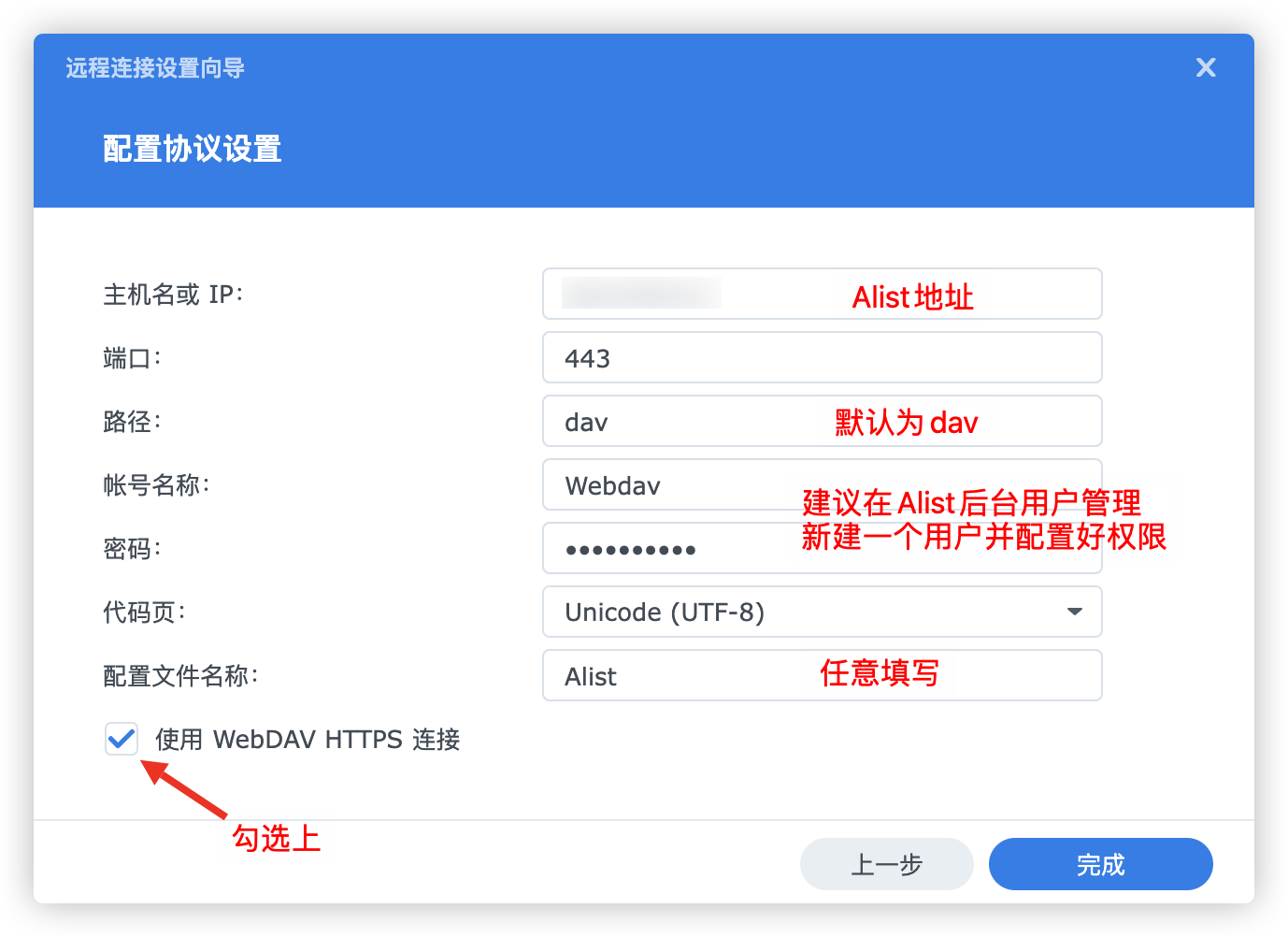
Mount 115 via Alist. I personally recommend using the Cookie obtained by packet capturing from the mobile app, as it tends to have a relatively long validity period. I won't go into detail about the mounting process or packet capturing here—there are plenty of tutorials online. After successful mounting, select WebDAV in Synology's remote connection settings:
1722083446133.png
1722084157621.png
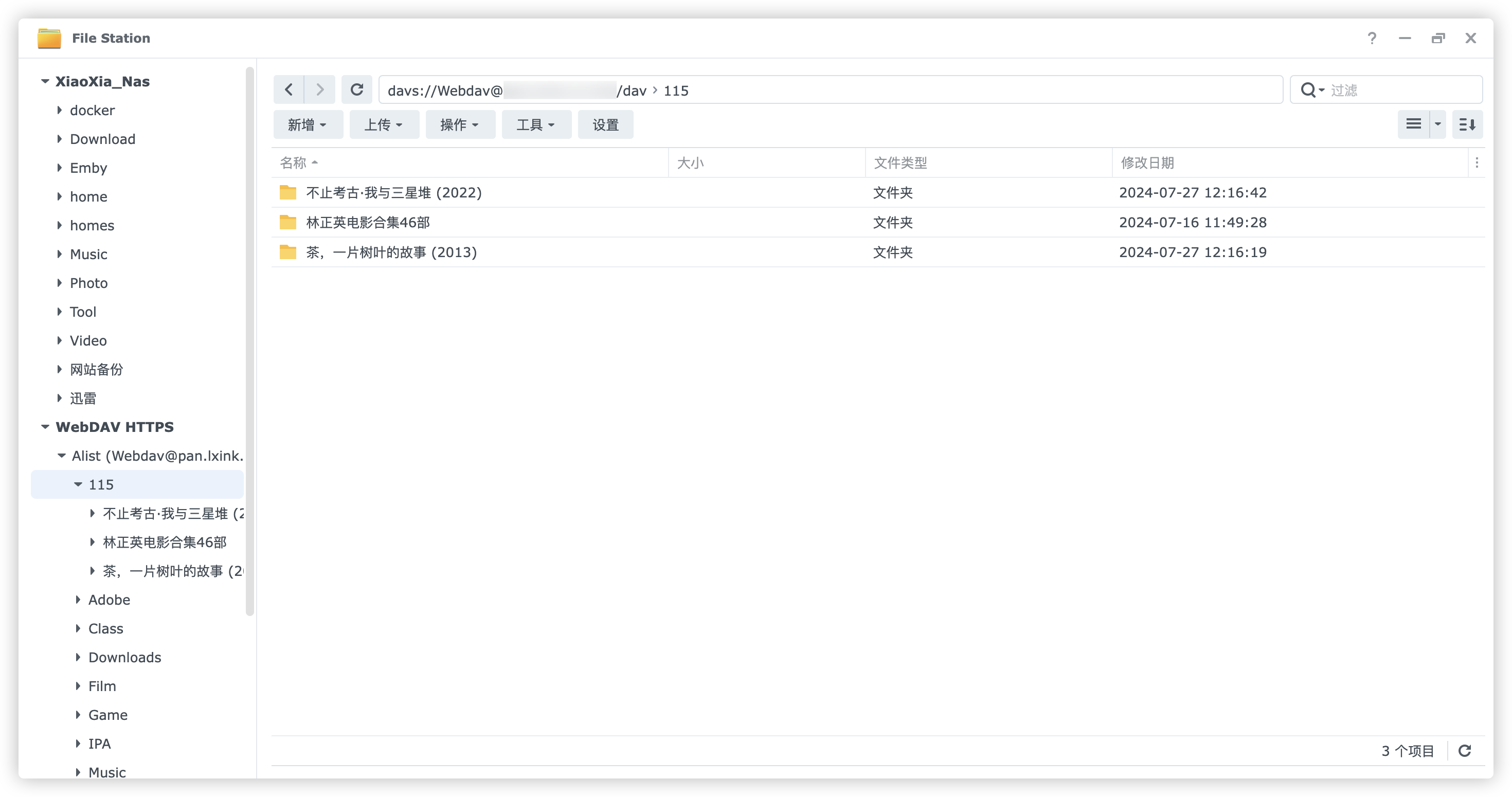
After mounting, all files from Alist will be visible in Synology's "File Station":
1722084406253.png
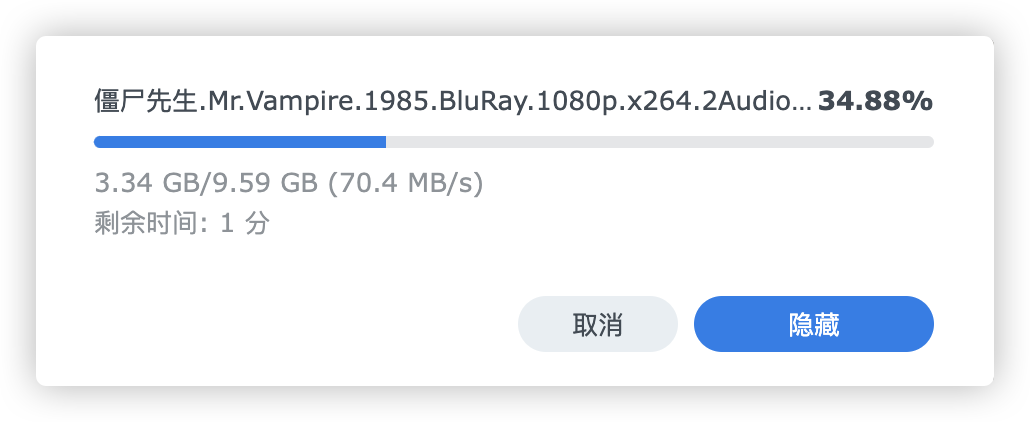
To download files, simply copy them from the mounted drive to your local storage—the feeling of maxing out your bandwidth is amazing!
1722084568183.png
Final Notes
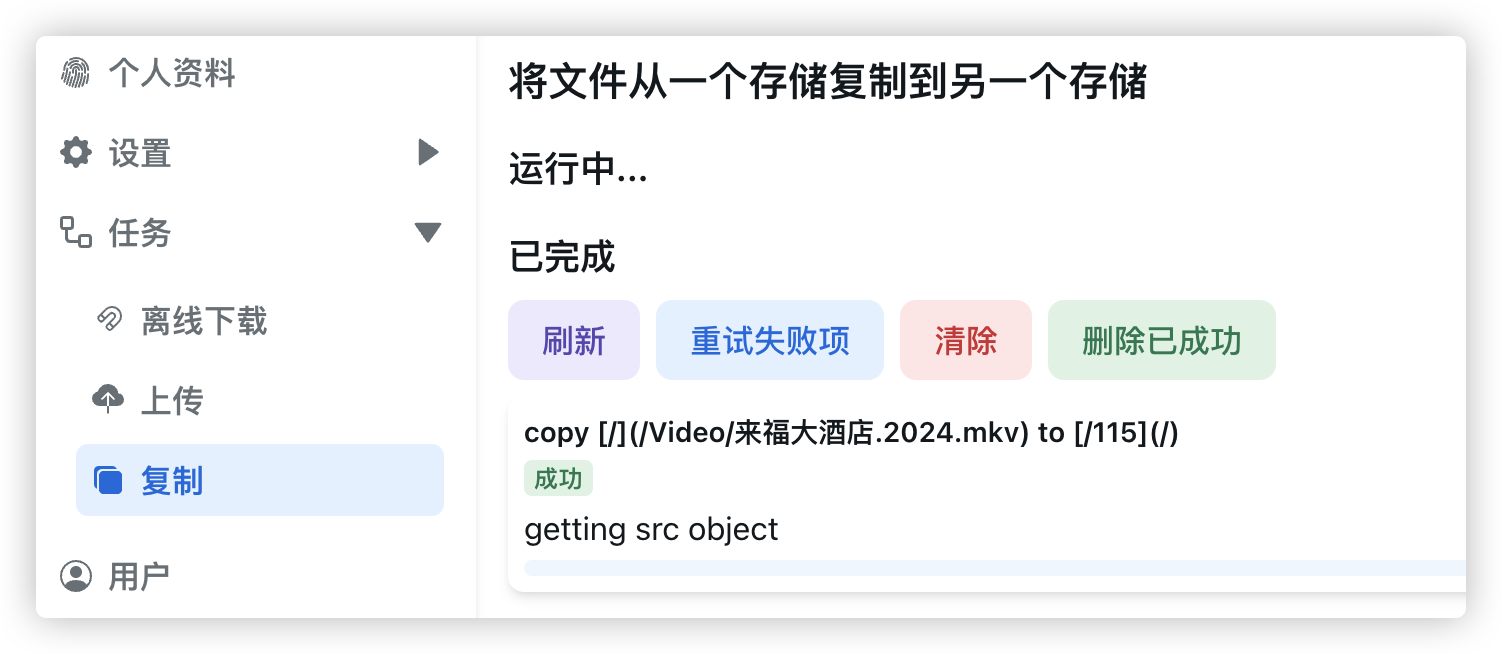
1722085142263.png
Alibaba Cloud Drive supports instant transfer to 115. Just remember to enable the "instant transfer" option in the Alibaba Cloud Drive mount settings, and ensure your Alist version is V3.27.0 or higher.

1722084897038.png
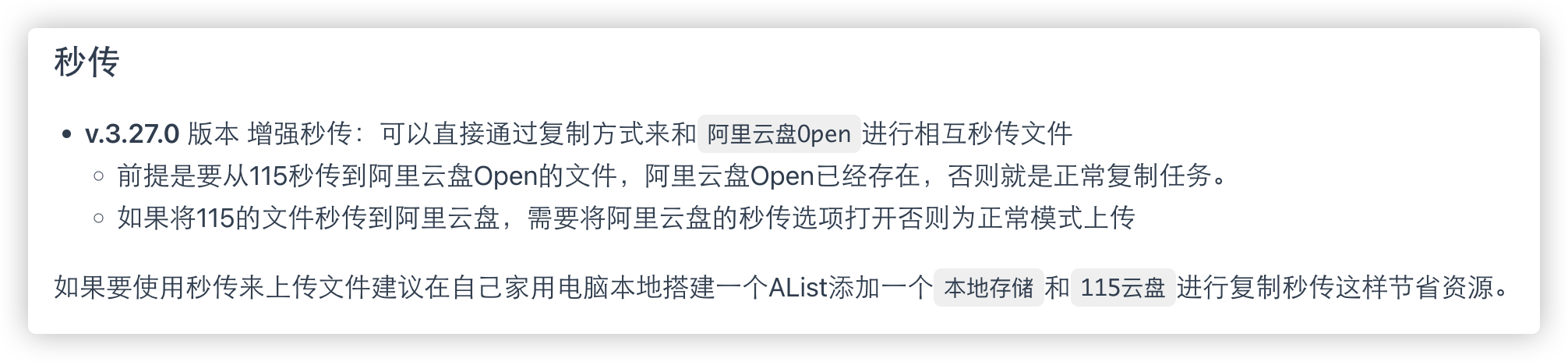
1722084755850.png
P.S.: Due to 115's restrictions, instant transfer of files larger than 5GB requires a 115 membership.
This method isn't limited to 115 Cloud Drive—other cloud storage services can also be mounted and used in the same way without relying on third-party packages.