After previously deploying
Cloudreve, I've always wanted to upgrade to theProversion, but hesitated due to the price. Yesterday, because of a request from the "boss", I got theProversion using company funds. On the "boss"'s side, they deployed it quickly using binary startup with a daemon process, completing delivery swiftly.
Preface
I've always been a fan of Docker. The open-source version I deployed earlier has been running steadily within Docker. Since the official documentation doesn't provide relevant knowledge, and I couldn't find any related tutorials online, I initially considered writing my own CI/CD pipeline to compile and package a Docker image—especially since the Pro version provides source code. However, that seemed a bit cumbersome. Then I remembered my previous article, Changing Cloudreve's Site Icon, which used the method of mapping local files into the container. I tried it out, and sure enough, it worked.
Download Pro Program / License Key
First, understand the installation steps:

1719135751610.webp
- Download the
Promain program:

1719135844141.webp
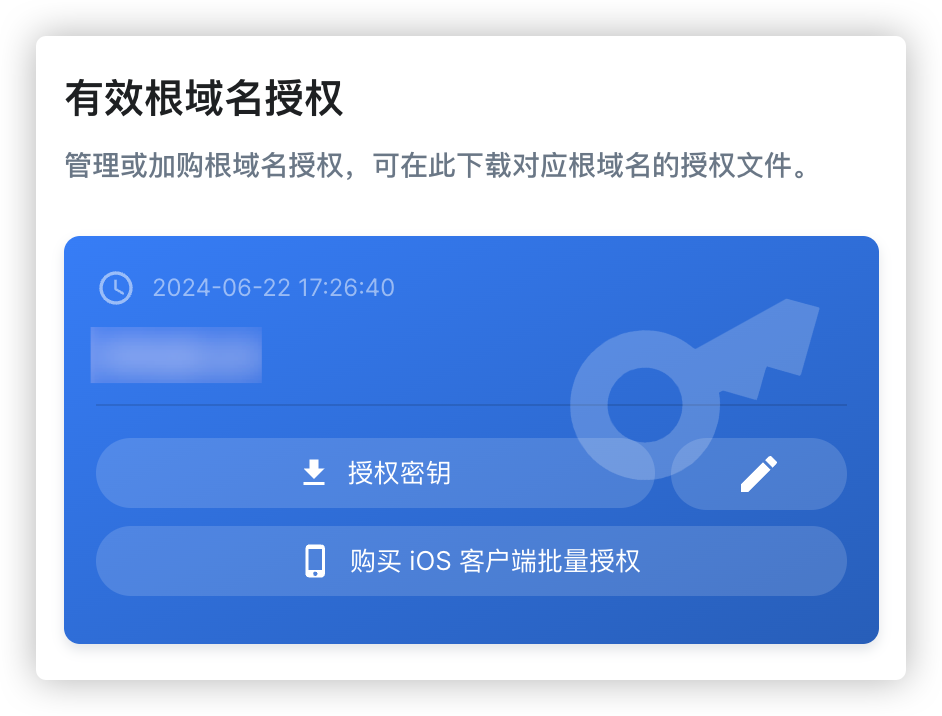
- Download your license key from the licensing center—a file named
key.bin:
1719135585667.webp
Modify Docker Compose File
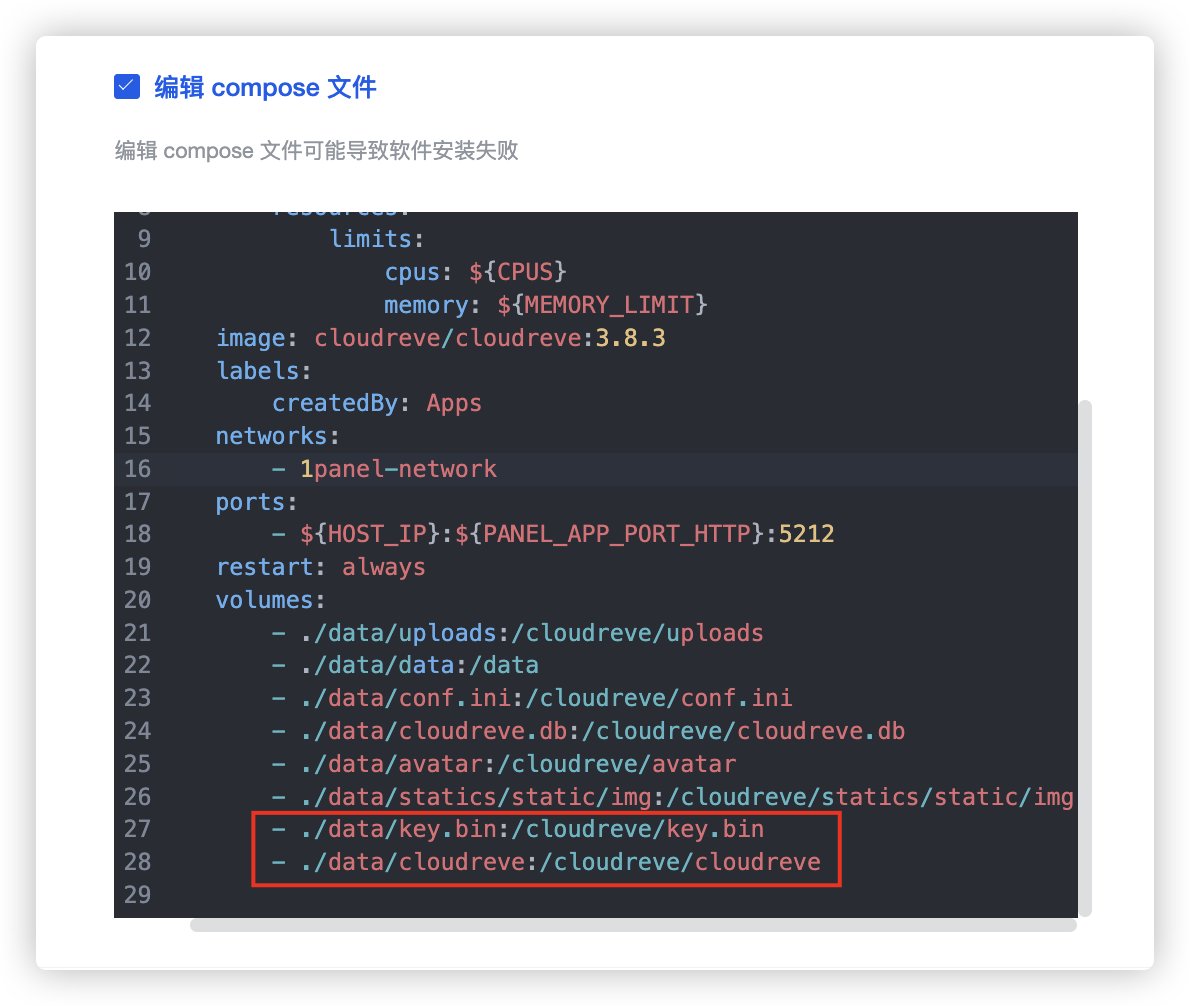
Locate the compose file (docker-compose.yml) in your container configuration. The example below uses 1Panel:
By default, Docker containers use temporary storage. When a container is deleted, its stored data is also lost. This can be solved using volumes, which allows content inside the container to be mounted externally—essentially mapping local files into the container.
Add the following two lines to the volumes section to set up local mounts:
The first line maps your Pro version license key.
The second line maps the Pro main program you downloaded earlier (remember to download and extract according to your server architecture).
Adjust according to your actual environment if needed.
Note the indentation in YAML syntax:
1719136317731.webp
Finally
1719137260197.webp
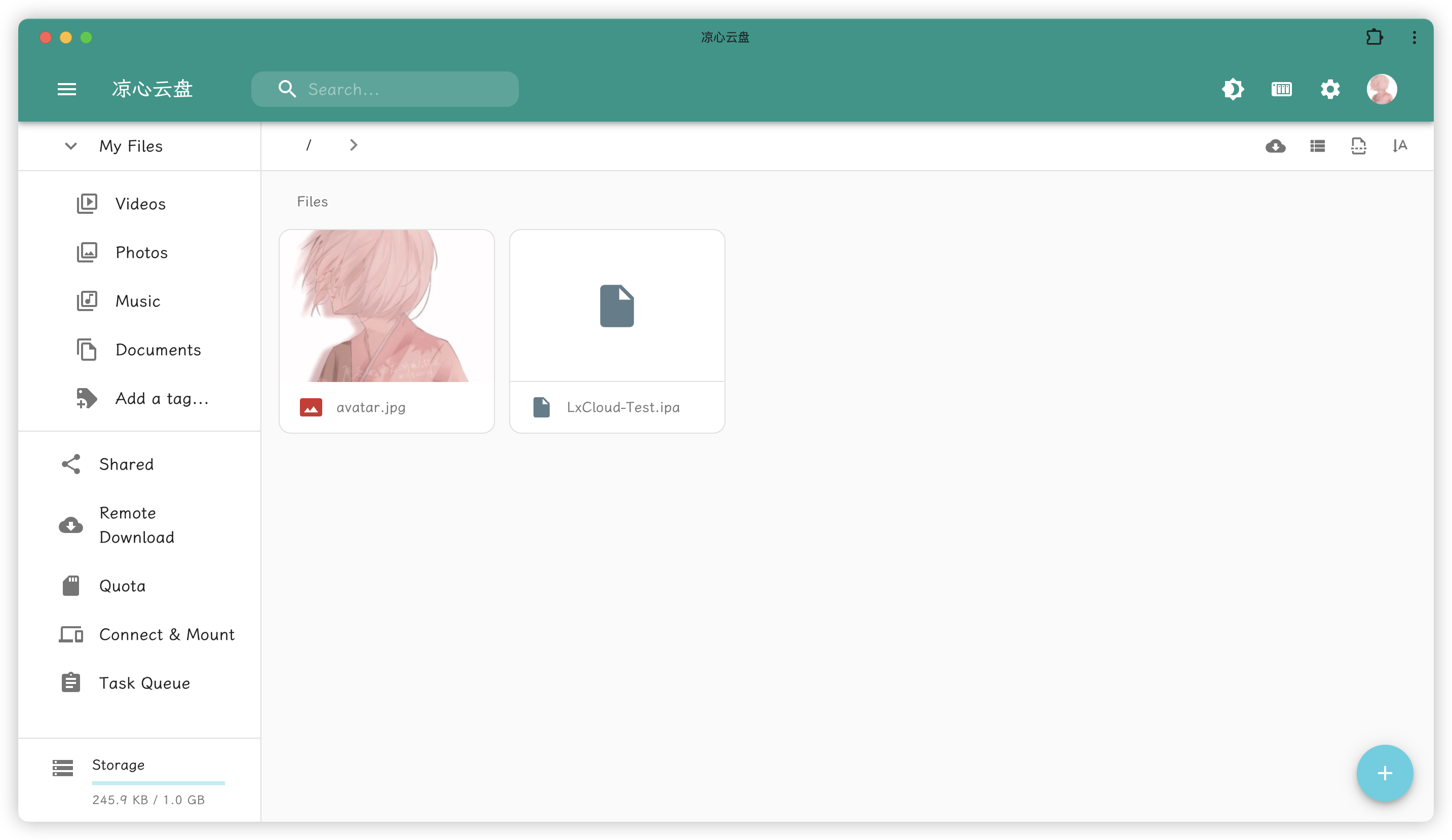
Restart the Docker container. It's recommended to clear your browser cache. Congratulations—you can now use the donated Pro version deployed via Docker. This is likely the simplest method currently available. By using file mapping, there's no need to compile your own Docker image. Just remember: make sure to upload and map the Pro program binary itself!